
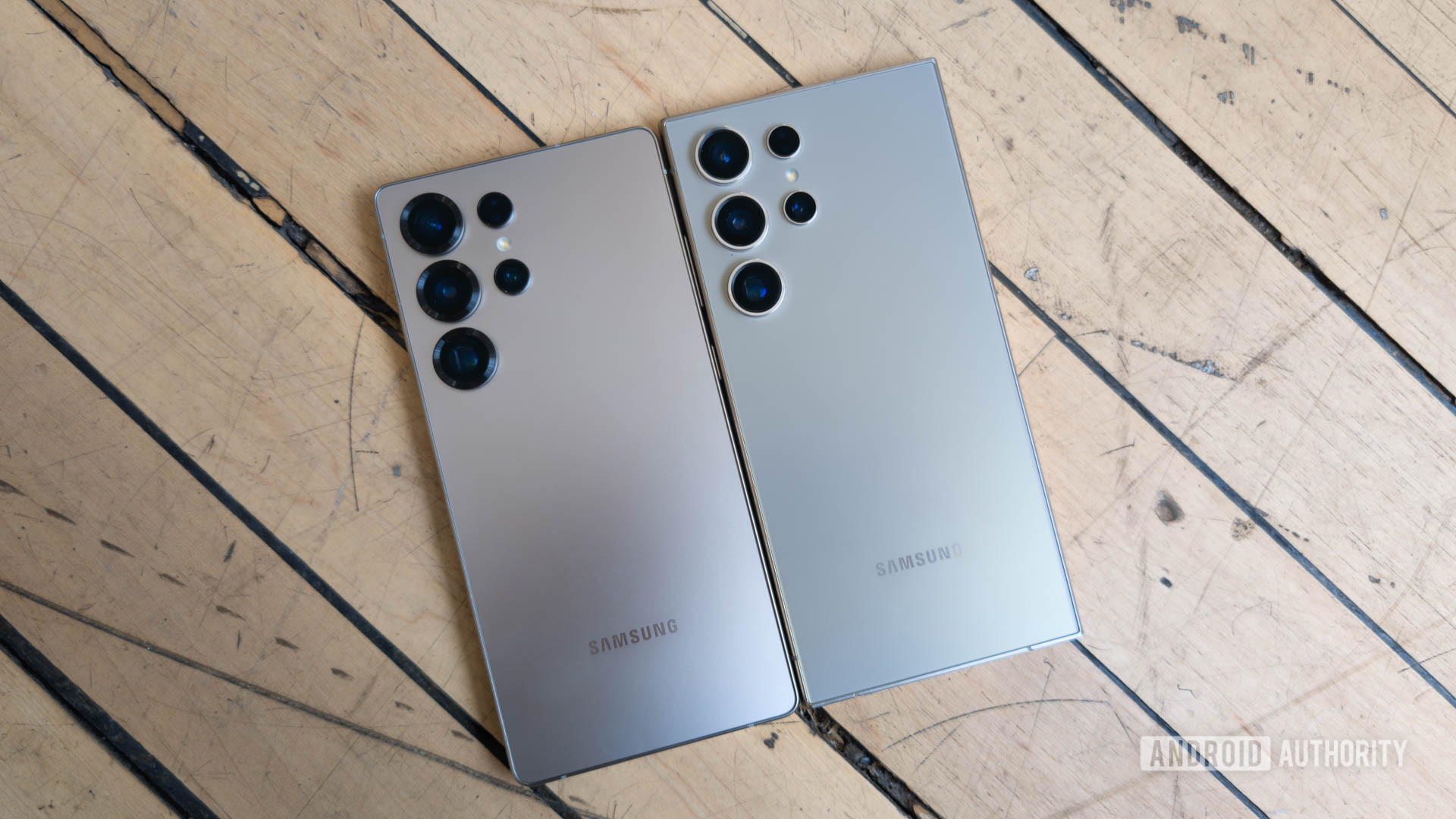
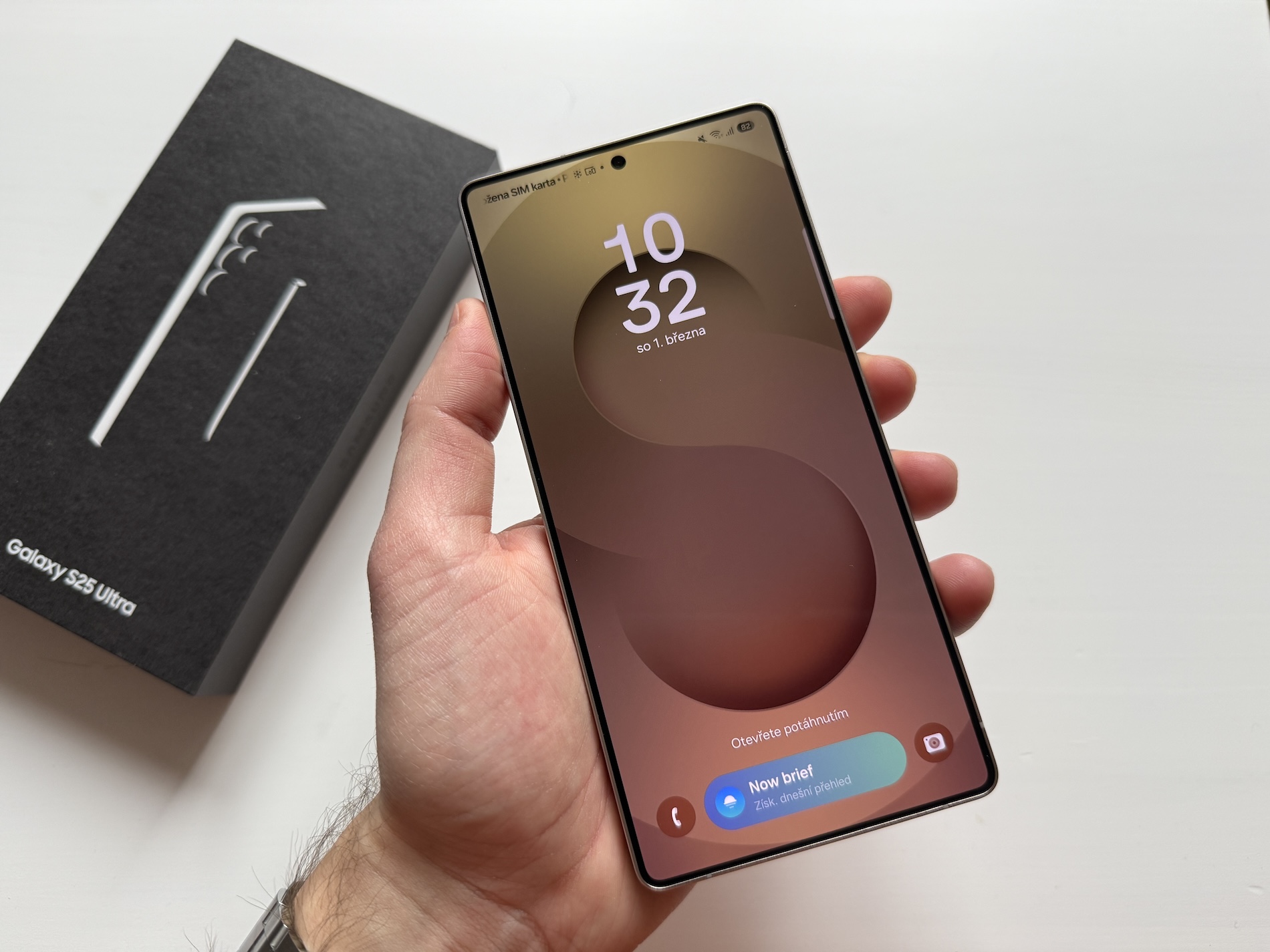
Galaxy S24 and S25 users worldwide began reporting rapid battery drain and overheating after Samsung’s April 2026 update rolled out. Within hours of installation, many devices were losing charge at an unusually fast rate, disrupting everyday use.
For users, that means shorter screen time, unexpected shutdowns, and frustration with apps failing to perform. And for Samsung, it’s a reminder that even routine updates can quickly snowball into a widespread issue.
The Full Story
The trouble began shortly after Samsung pushed its April 2026 security update. At first glance, it looked like a standard patch — the kind most users install without a second thought. But not long after, complaints started popping up online.
Battery drain was the most common issue. Some users reported their phones dropping from full charge to near empty in just a few hours. Others flagged overheating, with devices becoming noticeably warm during basic tasks like messaging or browsing.
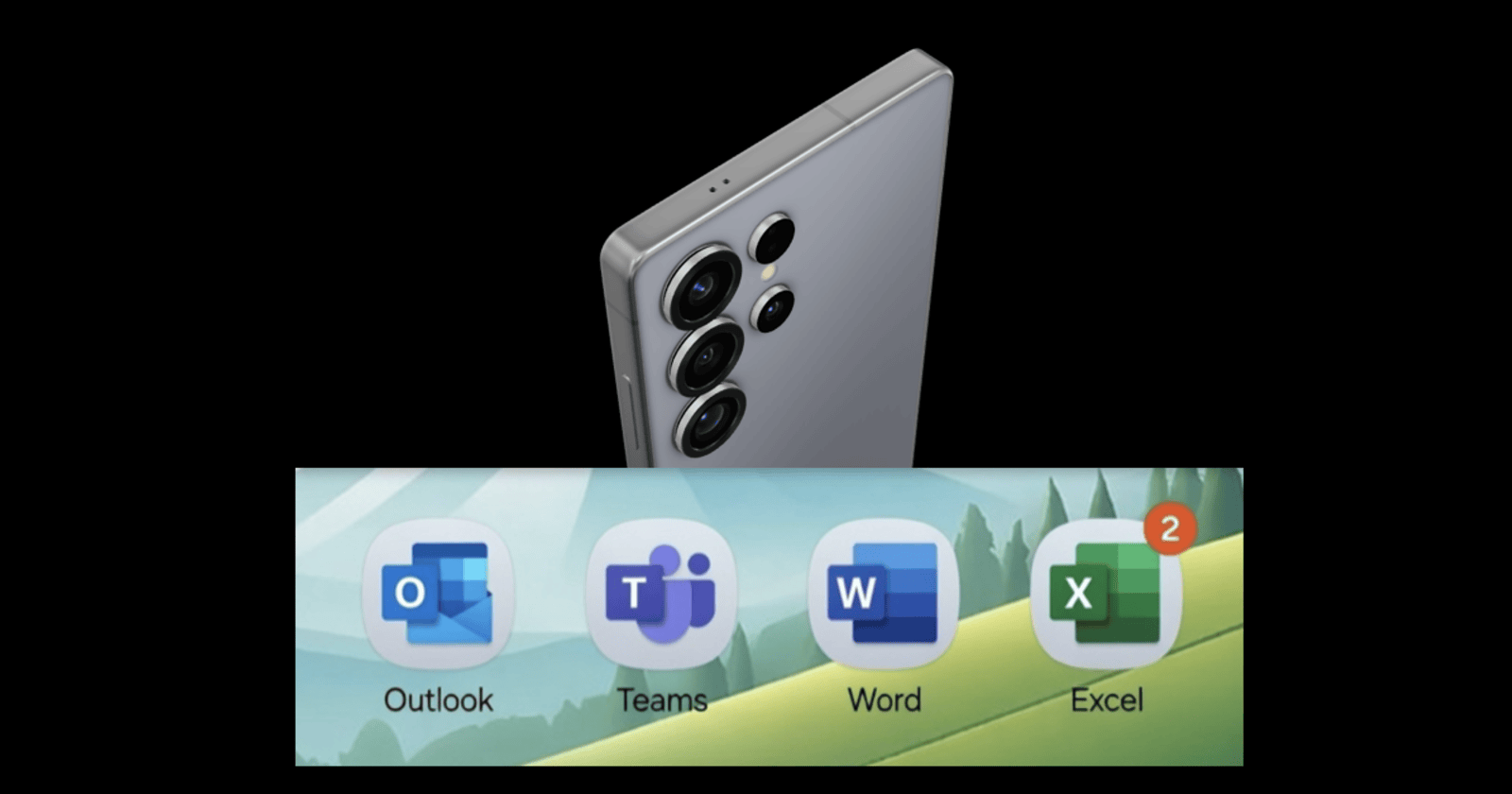
Meanwhile, another wrinkle appeared. Certain Microsoft apps — including Outlook and Teams — began malfunctioning or crashing entirely after the update. Users scrambled for fixes, with temporary workarounds circulating online.
What’s interesting is the suspected cause. Reports point to a system-level feature introduced or altered in the update, potentially running in the background and consuming more power than intended. In other words, it’s not just one app — it’s something deeper in the software stack.
Samsung hasn’t stayed silent. Fixes have already begun rolling out in stages, targeting both the battery drain and app compatibility problems. Still, for many users, the damage was already done — at least temporarily.
Key Figures
Samsung: The tech giant behind the Galaxy S24 and S25 lineup, responsible for the April update rollout.
Galaxy Users: Thousands globally who reported issues across forums, surveys, and social platforms.
Microsoft Apps: Services like Outlook and Teams affected by compatibility issues post-update.
Facts & Figures
- Reports suggest battery life dropping from 100% to near empty in just a few hours.
- Multiple sources indicate the issue affects both Galaxy S24 and S25 models.
- Survey data shows a significant portion of users experiencing similar drain problems.
What This Means
For everyday users in Australia, this hits close to home. Whether you rely on your phone for work, travel, or just staying connected, a sudden battery issue can throw your whole day off. It’s the kind of thing that makes you double-check before hitting ‘update’ next time.
There’s also a broader takeaway. Software updates are meant to improve devices, but when something slips through, it highlights just how interconnected modern smartphones are. One tweak in the system can ripple across battery life, apps, and performance.
We’ve seen similar situations before — updates causing unexpected slowdowns or bugs — but the scale here feels broader. And in a market where reliability matters, that’s something brands can’t afford to overlook.
What to Expect
Samsung is already pushing fixes, and more updates are expected to stabilise affected devices. Users are advised to check for new patches regularly and consider temporary fixes like disabling certain background features.
If you’re using a Galaxy S24 or S25, it’s worth keeping an eye on official updates — and maybe holding off on optional installs until things settle.
FAQ
Why is my Galaxy S24 battery draining fast?
The issue is linked to the April 2026 update, which introduced a system-level bug affecting battery usage.
Does this affect all Galaxy S24 users?
Not everyone, but reports suggest a large number of users across different regions are impacted.
Are Galaxy S25 phones affected too?
Yes, similar battery drain and overheating issues have been reported on S25 models.
Is there a fix available?
Samsung has started rolling out patches, and updates are expected to resolve the issue.
Should I avoid installing updates?
It’s best to wait for confirmed stable updates if your device is currently working fine.
Do I need to replace my phone?
No, this is a software issue and should be fixed through updates rather than hardware changes.